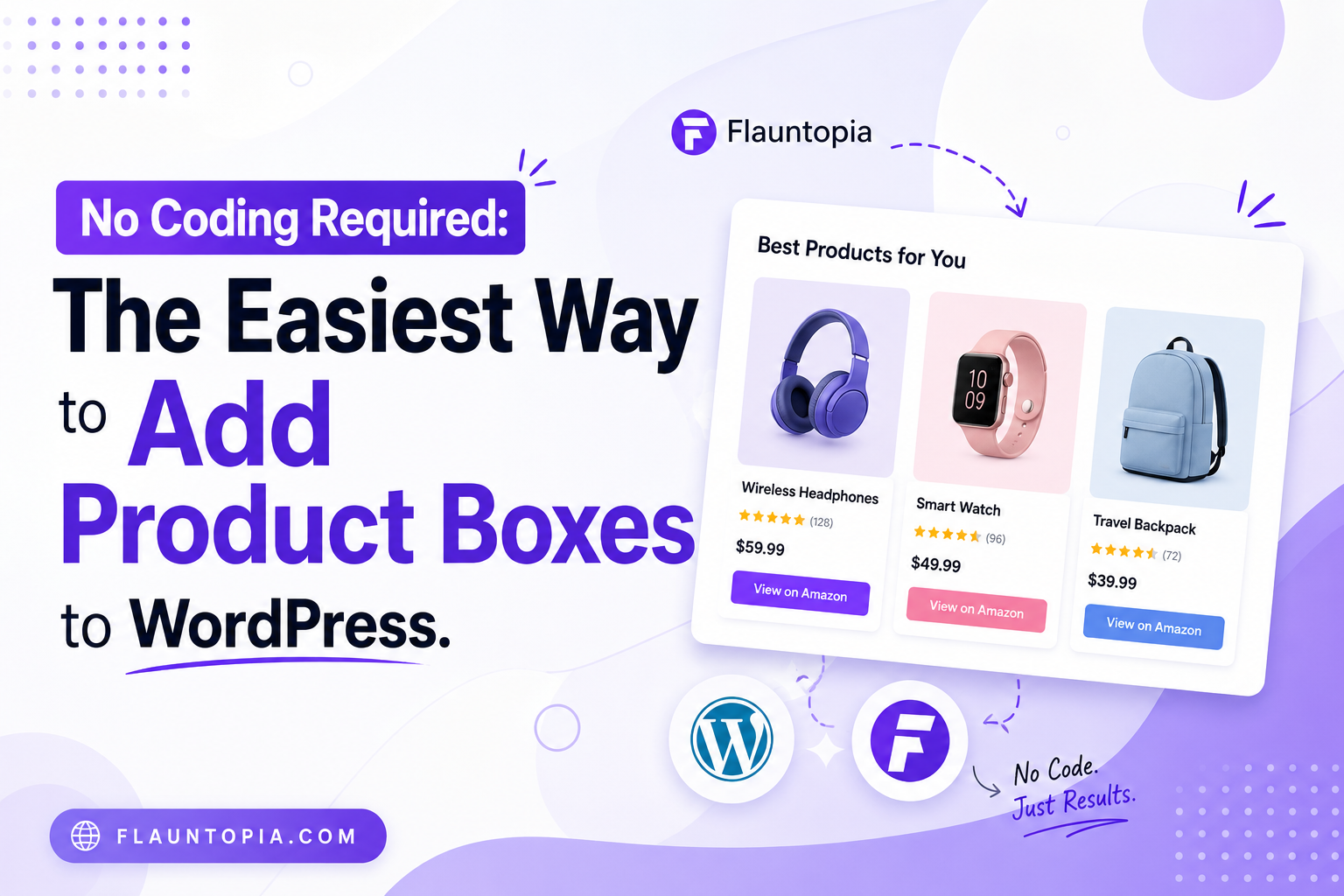
If you are doing affiliate blogging, you already know one problem. Adding product boxes in WordPress is not easy.
You need to:
- design the layout
- write code
- manage styling
- and update again in multiple posts
This takes time and sometimes creates errors.
In this blog, we will see how to add product boxes without coding using Flauntopia.
What we are going to do
- Connect WordPress with Flauntopia
- Create product box
- Add it into blog post
- See it live
Step 1: Create Flauntopia account
First, go to Flauntopia and create your account. This is required because all your product boxes will be managed from here.
Step 2: Install Flauntopia plugin in WordPress
Now go to your WordPress dashboard.
- Click on Plugins → Add New
- Search for Flauntopia plugin
- Install and activate it
After activation, your website will connect with Flauntopia.
Step 3: Go to Product Box section
Now open Flauntopia dashboard. Click on Product Box tab. Here you will see multiple options:
- Single product box
- Comparison box (Top 3, Pros and cons, VS box)
You can choose any based on your requirement.
Step 4: Create new product box
Click on Add New. Now fill all product details (product name, image, price, affiliate link, features):
Make sure details are correct.
Step 5: Select template and animation
Now select the design. Flauntopia provides ready-made templates, so no need to design manually. You can also select animation from animation tab.
Step 6: Save and get code
After completing the product box: Click on Save
Then click on Get Code. You will get the code.
Step 7: Add code into blog post
Go to your blog post in WordPress. Paste the code as shortcode or inside custom HTML Then update or publish your post.
Step 8: Check live page
Now open your blog page. You will see the product box displayed.
If you want to change anything later, update in Flauntopia it will update everywhere automatically
Final result
Now you have:
- product box without coding
- reusable design
- easy update system
Conclusion
You don’t need coding to create product boxes anymore. With Flauntopia:
- create once
- use in multiple posts
- update from one place
This makes your affiliate blogging faster and easier.